Rendering
Training and figures want opposite things from a renderer, so there are two paths.
Use which_backends() to see what
is installed:
| backend | speed | quality | needs |
|---|---|---|---|
warp |
ms/frame | hard shadows, flat ambient | nothing, CPU or GPU |
rtx |
seconds/frame | path traced: soft shadows, ambient occlusion, materials | ovrtx, pyglet, a graphics-capable NVIDIA GPU |
usd |
export only | whatever your offline renderer does | usd-core |
Observations and quick figures
env.observe()                        # warp, at config.image_size -- for training
env.render(384, samples=3)           # warp, supersampled -- for a clean figure
render casts one ray per pixel,
so samples renders at samples× and averages down. That is the only
anti-aliasing the
Warp raytracer has. It is the right tool for observations and for tidy figures, but
it will not produce a photorealistic image.

Path-traced, or exported
with env.high_quality_renderer(backend="rtx", size=(768, 768)) as r:
    env.reset(seed=0)
    for action in actions:
        env.step(action)
        r.add(env.state)             # path traced, one frame per state

frames = r.frames                    # (T, 3, H, W) -- feeds save_gif directly
with env.high_quality_renderer(backend="usd", output_path="ep.usd") as r:
    env.reset(seed=0)
    for action in actions:
        env.step(action)
        r.add(env.state)             # a stage to render in Omniverse or Blender
Every backend shares one camera definition
(camera_framing), so the
path-traced figure and the observations the model trains on show the same view from
the same place. look_at_angles is
the helper behind it.
Replay rather than store
Because the physics is deterministic given a seed and an action sequence, a path-traced figure is produced by replaying an episode rather than by storing its pixels, so the render is of the same episode the numbers came from.
Example 06 writes both: episode_frames.png is what the encoder sees,
episode_rtx.gif and planning_episode_rtx.gif are what the robot is doing. Set
XWM_RTX=0 to skip them, or XWM_RTX_SIZE to change the resolution.
When rtx is unavailable
rtx needs more than an NVIDIA GPU: it needs graphics access. Many GPU cloud
containers, Modal's among them, expose a compute-only device set (no
/dev/nvidia-modeset), which satisfies CUDA but not NVIDIA's Vulkan driver, so
OVRTX cannot create an instance there however complete the library stack is.
The failure looks like this, with every Python package correctly installed:
RuntimeError: Failed to create OVRTX renderer: Failed to create renderer:
Failed to initialize renderer.
So the Franka examples pick their renderer from which_backends() at run time,
through examples/_common.py::figure_episode, and where OVRTX is unavailable they
write supersampled Warp figures plus episode.usd to path trace offline. Every one
of them degrades rather than fails. Full diagnosis in Findings.
backends = xwm.envs.which_backends()
backend = "rtx" if backends["rtx"] else "usd" if backends["usd"] else "warp"
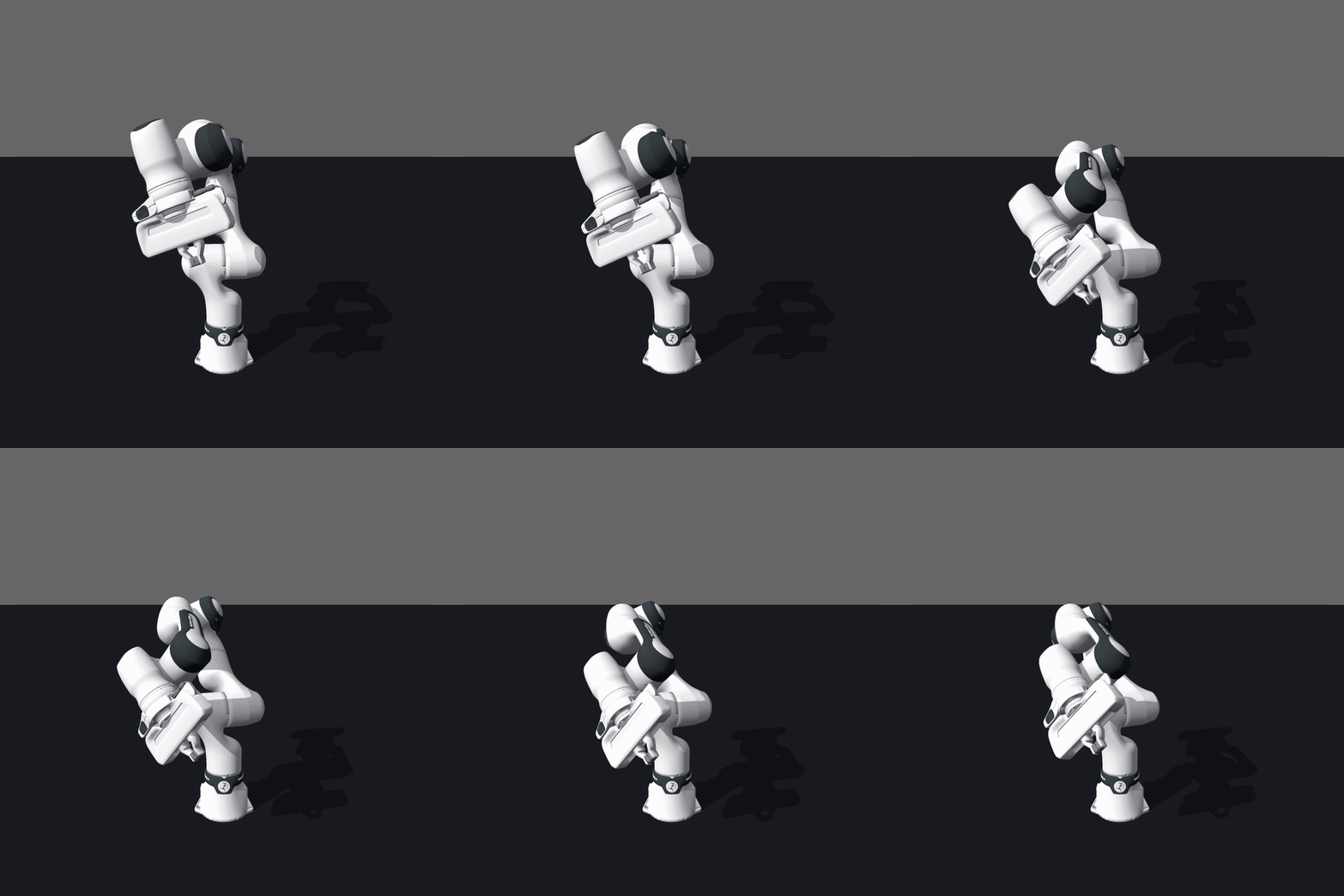
Probe before you queue a long job
deploy/app_render.py runs every available backend on a GPU and writes the
results side by side. app_render.py::vulkan_probe reports in about a minute
whether OVRTX can get a device at all, which is much cheaper than finding out at
the end of a training run.
GIFs
save_gif takes (T, 3, H, W) frames
or a list of such stacks. A list is tiled side by side with labels, which is how
every "real vs imagined" animation in the examples is made. scale= upscales with
nearest-neighbour, so a 64×64 rollout stays crisp rather than blurry.